
First we are going to understand what a blog is and to do that am going to divide a blog into two sections
- Blog identity
- Blog content
Before i expound on this two, its good to note that a Blog is a combination of all parts that form it i.e. blog posts, blog address, blog name and blog pages. So blogname.com is not a blog but a blog address while an article on how to cook pizza is also not a blog but a blog post.
So, by using the above two separators, we are going to look at parts of a blog to understand what a blog is really made of.
1. Blog identity
The blog identity comprises all parts of a blog that gives it a brand and also makes it accessible to its viewers. This includes and is not limited to
- Blog address. The blog address is also called the domain name. Its the blogname.com part of a blog. It is the one that forms the url i.e. https://blogname.com or http://www.blogname.com
- Blog name. Its simply the name of your blog i.e Ketchap. If we were to use this name to create a domain, it would be ketchap.com
- Logo. Its an image or icon used to identify your blog in the web. For example, facebooks logo is an f with a blue background.
2. Blog content
This includes text, images, audio and videos parts of a blog. This are published through blog posts or added on blog pages. Posts and pages are similar, its just that pages are more static or in a simple word more permanent compared to blog posts.
An example of a blog page is Home or About or even Lifestyle. Blog post are identified with their headings/titles i.e “how to ride a bike”
How to create a blog
If you can look at most blogs, you will realise that most are very neat and organised. They have well published articles that makes you want to read them even without knowing what is inside.
They have their pages displayed well on the top navigation menu. The post are also categorised with the date of publishing displayed along with the post’s author image and name.
They also have a recent posts section and also a comments section where a reader can leave a message concerning the article. Below the post you can find social share buttons to share the post via facebook, twitter, whatsapp and the rest.
So the question is, how are this blogs created
Blogs are created using something called a Content Management System. As we all know blogs are primarily made of content. Right? So this content is managed by a content management system which is installed or hosted online using a web server.
An example of this software is the famous WordPress among others like Drupal, Magento or Wix. So to create a blog, you need to use one of these content management systems.
You can access some of these systems via google search. Depending on the software you choose, you might be needed to create an account, get a free subdomain, configure your blog and you are good to go while in others, you have to download the software or install it on your webhost account.
This simply means that you have to first buy web hosting with a web host like Namecheap and also register a domain name with a domain registror like Godaddy. This is the harder option but the best for those who are sure of what they are doing.

For beginners, i would recommend the first option where you go to the official website where the content management system is hosted i.e. wordpress.com then create a free account and get the most part done for you us you get busy creating blog posts.
In some of my previous articles I have covered topics like how to create a blog with Blogger/Blogspot, the best option for beginners, and also how to create a website with wordpress so today i will cover:
How to create a blog with wordpress.com
Wp.com is the hosted version of wordpress. It is an easier and faster way to create a blog. With wordpress, you can create a blog with minutes for free.
So lets get started.
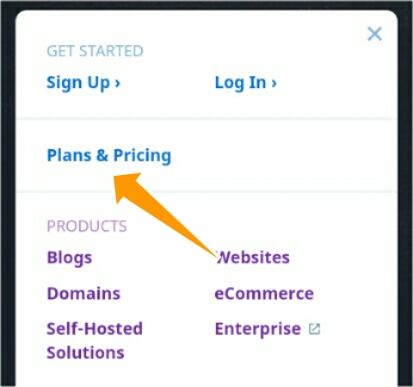
First we will visit wordpress.com and head straight to their plans and pricing page.
WordPress comes with 2 plans that are suited for blogging.
- Free at $0 for life
- Personal at $4/month
Because we are just getting started with wordpress, we will go with the free plan.
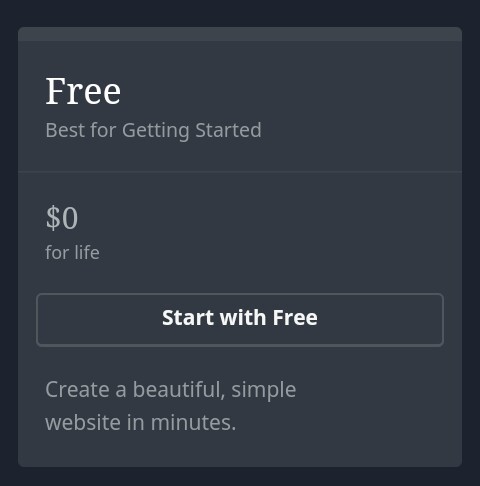
When you choose the free plan, you will be redirected to a sign up page where you will be required to enter your email, username and password. To avoid the long process, you can opt to signup using google. All you need is an active email address.
I would advice you write your password somewhere just for backup. After your email is verified, you can start using it to log into your wp account even without the password.
After the signup you will be required to choose a domain name. So type the name of your blog. In my case i used eretrea. I don’t know how you pronounce that. I guess its a name of a person.
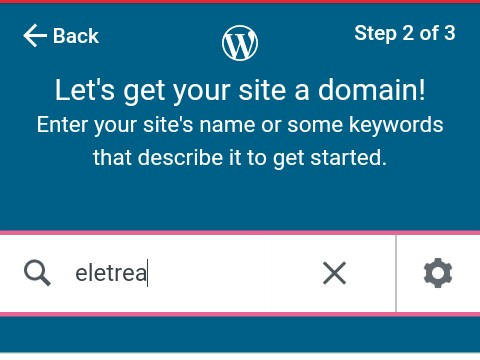
When you type that name, wordpress will search and tell you whether the name is available or not. It will also add an extension like .com, .blog or .net among others. The price of each extension will be clearly displayed.
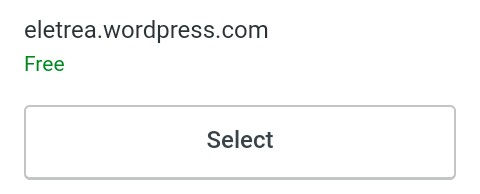
Make sure to choose the one with a wordpress.com or blog.com because it free. You can upgrade later if you like. You will then be taken to a page where you will select the free option as your plan.
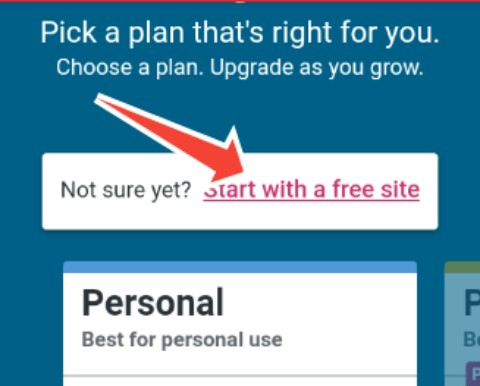
The next step will be to setup you blog/site. So you will be logged into the wordpress dashboard. They have outlined all the steps you need to follow to fully setup your blog/site.
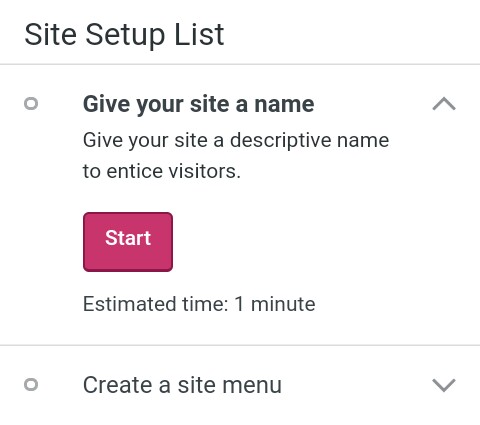
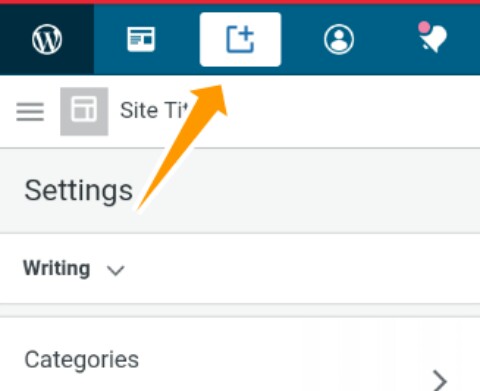
Now that you can access the dashboard, you can familiarise with different parts of your blog. It can take time for you to get used to the wordpress.com interface but you will eventually do it.
To create your first blog post, click the “add post” button on the top of your dashboard it will open a page where you will be prompted to write something. You can save it as draft or hit publish to make it visible to everyone.
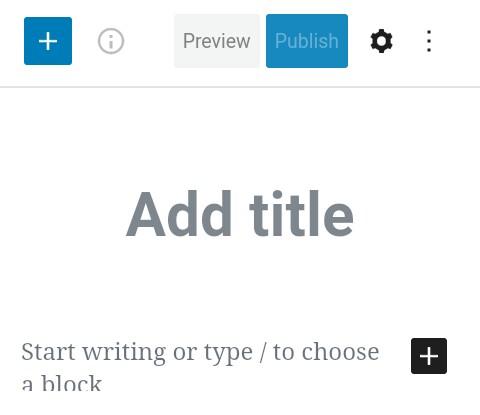
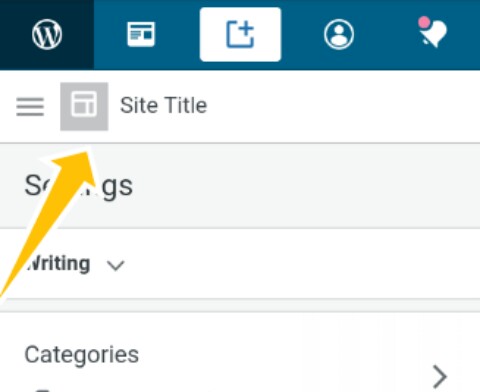
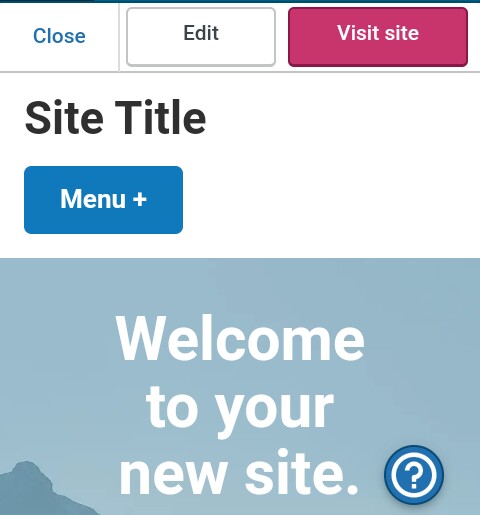
To see the changes you have made, you can view your website by clicking its address on the top left corner part of the dashboard.
Some insights
I would really recommend that you take your time while creating your blog. Don’t rush anything. Creating a blog is one thing while maintaining it is another plus it takes time for a new blog to get viewers or even to appear in google search results.
Choose a niche and start making the best content that you can. It is not always about how much you write but also what you write. Utilize social networks and all the features that wordpress gives you to take your content out there.
And that is how to create a blog. If you missed a point somewhere, you can leave a comment
 Notionet
Leave a comment