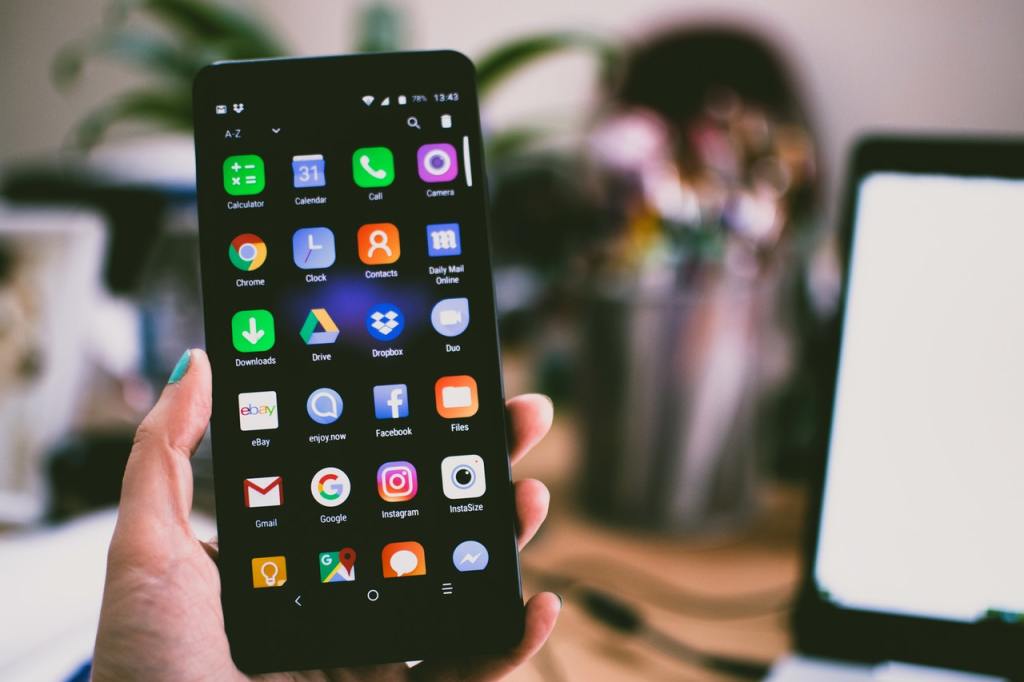
Honestly speaking, sometimes I fail to understand what is usually wrong with some kenyans when it comes to tech related matters. They are the same people who will ask you, “Ksh200 just to remove a virus?” wacha ikae! It’s hard to imagine what these techies go through. I rarely go to the cyber by the way but the last two times I have gone to print or get a movie, there came this young lady who wanted to be helped with creating a facebook account, then there was this one who was claiming her WhatsApp could not install. At first I thought her phone was not compatible or something like that only to realise that her phone had just run out of space!
We know how our old mothers and grandmas struggle with these modern gadgets and its understandable but for a millenial? Its unexpected. This are just small issues one can google to get answers, right? What bothers even more is to imagine how many blogs have been written to help us do simple things like, “how to send an email” yet you will find a youngster walking into a cyber just to ask such questions.
In this post we will take a small challenge just to know how much we are good at using our phones and some tips to help us improve in this area. There are five questions. Each carries 20 marks so you rate yourself out of 100.
1. Do you know how to tune your phones UI
The UI or in other terms, user interface determines how you will interact with your phone. It controls the overall appearance of the phone i.e the brightness, theme, wallpaper and other preferences like language, sounds, notifacations and widgets.
Your phone comes with a default UI or simply a default theme but allows you to tune it to what you would like in the aplearance settings.
So, before one thinks of selling their phone because of its annoying wallpaper or foreign language, they should first check the apearance settings to see if they can change it to something they would like.
2.Do you know how much space is left in your phone and how to recover it
As long as you are using your phone, then it will ran out of space. Either it will be the RAM or internal storage.
One can opt to delete the unnecesary files or choose to use a back up like a memory card or an online one like Google drive or Email.
3. Do you know your phone’s OS and its version, also how is its compatibility with most applications?
The OS (operating system) is the program or software running your phone. Its like the mind to your phone. For simple mobile phones like Tecno T474 its Java, for smart phones its Android or iOS and for Nokia its symbian
Not once av heard Java users complain that whatsapp is not working in their phones. Ofcourse, whatsapp cannot ran in a java powered phone. Unless a version is created specifically for Java, one which will also need maintainance due to future updates. To get Java apps you can go to sites like GetJar. Its not a guarantee the apps will work in your phone but browsers like UC and social aps like facebook are likely to work.
Java phones are cheaper than android phones just as android ones are cheaper than apple’s iOS phones. All could be using touch screens even have a simillar design but their features and capabilities are different so is their price and also the compatibility with most applications.
OS versions are also different, to check yours, go to your phones system settings. your andoid version for example could be andoid 6, 8 or even 2. It all depends with when you bought it. Each version comes with its name. Android 2 for example is called Gingerbread, 4 is called Jelly Bean and other interesting names.
The latest the version the more compatible it will be with most applications. Android 2 for example cannot run the current WhatsApp version. Google also stopped its support for android 4 on July this year (2021). 6 and 7 can also not install some heavy video games that Android 10 phones will seamlessly ran. To be on the safe side, one will need to have android 10 and above.
4. Are you aware of your phone’s major settings and how to set them?
By major, we are talking of the most important settings that every phones needs. These are the audio profiles, privacy settings, language and inputs, call settings and some system settings like accessibility.
Maybe you have set your phone to silent mode or airplane mode and no one can reach you. You could also be sharing alot of private infor with the apps installed in your phone. For example, an app could be using your camera to watch you or the microphone to record your words. An unkown app could be failing to install because you have restricted installation of apps from unkown sources in your phone’s settings.
Understanding your phone settings is very important. It helps to identify the problem quite fast unlike when you are not aware.
5. Who is the user to your phone?
If you are the user of the phone you have, your personal email should be active and connected as the user email in your phone. You can check this in the accounts section of the phone’s personal settings.
Google for example, recognizes the owner according to the email. If you have someone else email active and registered with your phone, virtually you don’t own the phone and all the data attached in it is attached to that email. That means, if you lost your phone or happened to format it, you can’t recover it unless you have the password or the phone number connected to that email.
With those five questions, now you can measure how good you are at using your smart phone.
For each YES you answered to any of the above questions, you earned 20 marks out of a hundred, that’s 20%.
Below 30% you are novice, 30 – 60% you are good while 60% and above makes you a pro?
Did you learn something, Did you like the challenge? What was your score? You can share yours in the comments.
 Notionet
Leave a comment