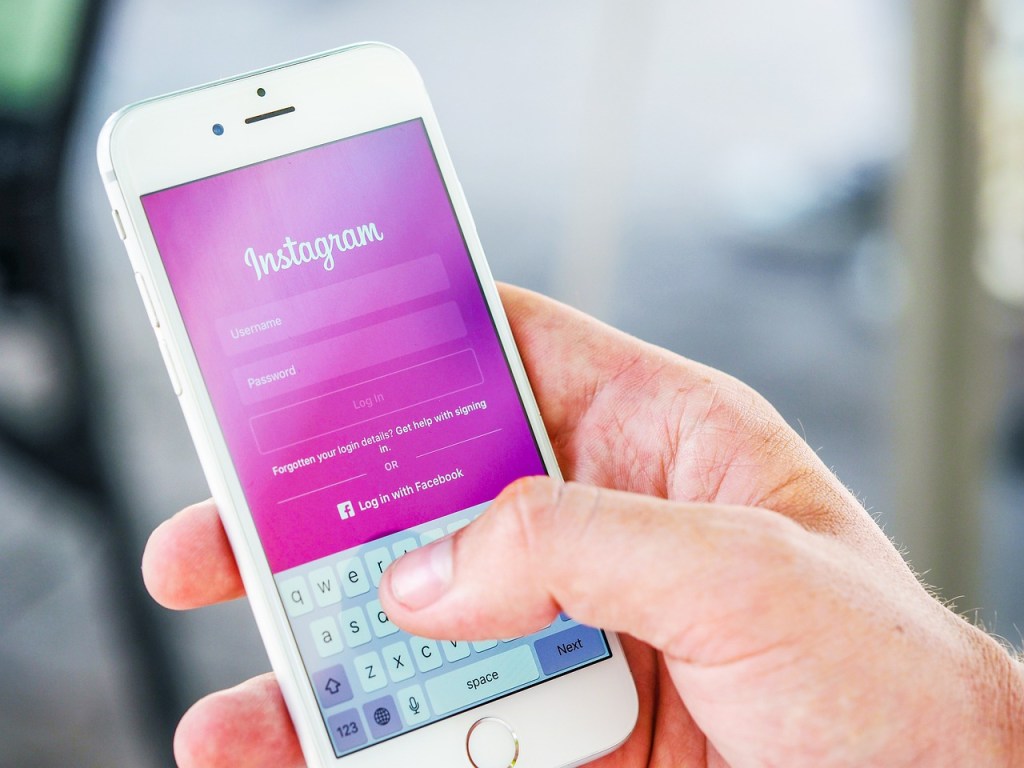
Before you give away or sell your phone for its bad user interface, display and overall appearance, there is something you can do. You might also be surprised how different your phone will look once you are done applying these five free tips.
1. Tune the UI
How friendly and easy to use a phone is, is determined by the UI also known as the user interface, the user interface can also determine the user experience(UX) of a phone. If a phone has a bad UI, it will be hard to locate certain settings, identify certain buttons or even use a language that is not understandable to the user among other things.
The user interface is determined by several things like the operating system, android or IOS version, the manufacturer and brand of the phone. The ui may not be changed entirely but certain elements can be changed. E.g
- Accessibility and shortcuts
- Language, input and keyboards
If you feel there is still more that needs to be done, you can change the OS version of your phone. Before you do, first check to make sure the version is among the latest, for example if its android, let be 10 and above. Also, make sure that version has the UI you are looking for.
2. Change the display settings
The display settings determine the picture mode, brightness, contrast and overall clarity of a phone. Some phones will come with just a few modes while other will come with quite a number of pictures modes one can choose from. To change the display, go to the device settings of your phone, select display and choose personalize to optimize the picture quality.
3. Install a new theme
A theme determines the overall look of your phone. Mostly themes are confused with wallpapers but a wallpaper is just the image or color used as the background of the phone’s screen.
To change the theme, just go to the themes app or sections in your phone. There you will find several themes. Choose the one which looks good for your phone. If you don’t find one, you can get more by installing a different theme app or launcher through google play store or other app store.
Some apps you can install are
- Go launcher
- Themes for android
- Nova launcher
- Super N launcher
Launchers not only change the appearance of your phone. They can also improve its functionality by adding clean up to free space and speed up your phone. Nobody wants a phone that is hanging and launchers can help you with that.
4. Change the wallpaper
Among other appearance settings, wallpapers are the easiest to change. Its about selecting an image from your gallery and using it as a wallpaper. A good wallpaper should make widgets and apps in the home screen more visible. That will need a wallpaper that is a little bit dull if the icons and fonts are using a bright colour e.g white, orange or grey.
The drawer’s background (the part of the screen displaying apps’ icons) also need a colour or image that will make the icons pop.
5. Buy or use a new cover
Phone covers are meant to protect your phone but they also play part in how your phone looks. Some covers that come with our phones are not that appealing. Maybe you want one that is more colourful, feminine or more masculine in design. These days its easy to get more varieties of covers being sold in online stores like Aliexpress and other stores.
6. Change the screen protector
Most phones come with a thin plastic paper attached to the screen to act as a screen guard. With time the nylon loses its clarity and starts to affect the phone’s display.
Instead of using a plastic screen guard, what your phone needs is a glass screen protector. First you need to remove the old guard then apply the new screen protector immediately to avoid scratch. This will restore the brand new phone like display.
Featured image by Pexels from Pixabay
 Notionet
Leave a comment